What is ERP software and what can it do?
ERP software is a special type of software that allows you to manage your company’s daily operations in unprecedented ways.
They don’t know what ERP is, but they also don’t want to deal with it any longer. Spreadsheets Struggling with ERP systems? Then this article is for you. We’ll guide you step-by-step through the features and functions of ERP systems so you can make an informed decision about whether it’s worth implementing in your company.
What is an ERP system?
The abbreviation ERP means company-wide resource planning
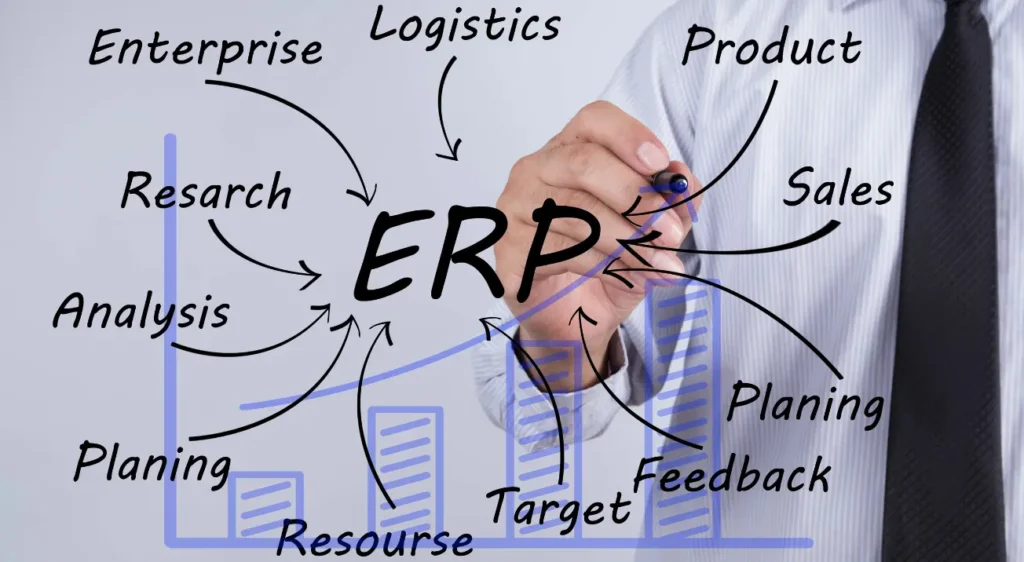
It is a central and comprehensive system that integrates all of a company’s resources, information, and activities. ERP software consolidates, standardizes, and accelerates all business processes, including finance, HR, quality management, inventory, sales, and reporting.
An ERP system has a single, shared database, which enables real-time data visibility.
Through a shared database and real-time data visibility, a single source of information is provided for all interested parties within the company.
What is ERP software?
Now that you know the answer to the question: “What is an ERP?”, let’s talk about its functions.
Developed as a complete business management system – from customer order entry to manufacturing process, programming and accounting – are in a ERP solution such as SAP Business One The most important business functions are centrally bundled, and the following solutions are integrated at the same time:
- Quality control: Management of tests, protocols and compliance.
- Material requirements planning: efficient use of resources, taking supply and demand into account.
- Electronic data exchange: automates transactions with business partners.
- Software for order management: Management system for services and repairs.
- Sales demand planning: Inventory management throughout the entire supply chain and warehouse.
- Warehouse management systemInventory transactions in real time.
- Batch traceability: Functions for tracking raw materials, intermediate products and finished products.
- KittingOrdering, selling and shipping packaged products.
- Project costsBudget and cost control for a specific job.
- Research and Development (F + E): Development and change history of products.
- Customer relationship managementManages contacts, sales, and activities.
- Point of sale: mobile management system for retailers.
- Direct branch delivery: mobile platform for sales and rolling delivery.
- Project costsBudget and cost control for a specific job.
- Reports, forecasts and predictive analysisInteractive dashboards with notification functions.
- PortalBusiness information accessible to customers and employees.
When do I need an ERP system? 5 key moments
Many growing companies use a variety of tools to manage their functions and data. These signals are helpful if you need to know whether you are ready for an ERP system.
Reports
Without the right data, you can’t make informed decisions. An ERP system allows you to analyze and visualize data and generate basic reports to identify inventory depletion, cost fluctuations, or quality issues.
I want to know my inventory levels
Inventory management can be a headache for many companies. An ERP system allows a business to operate more flexibly. At the same time, it ensures that demand is met effectively and storage costs are kept low.
I want to have more control
Manual entries and the resulting errors, as well as the lack of automated tasks, make manual bookkeeping complicated and frustrating.
With an ERP system, you have a central database that gives you access to a single data source, ensuring absolute reliability.
I want to serve customers better.
Unfulfilled orders and delayed shipping negatively impact customer satisfaction. An ERP system fully and accurately records and stores customer data throughout the entire sales process, contributing to a better quality of customer relationships and allowing you to personalize your interactions with them.
I want to grow
If you have multiple legacy systems, you probably feel that you are missing many basic functions.
A scalable ERP system allows you to personalize the required functions and add product lines, locations, and additional resources.
What options are there for ERP implementation?
Once you realize that ERP software could be a big deal for your company, you might first think about licenses and software installations.
These are your options if you want a good ERP solution.
ERP On-Premise
Despite the convenience of web-based versions, many existing solutions opt for on-premises installation. The ERP provider works with your team to install, implement, and maintain the ERP solution.
ERP Cloud
Many ERP solutions now offer convenient online access, allowing you to forgo on-site installation, thereby saving on hardware costs and purchasing a license model with monthly or annual fees.
Now that you know what ERP software is, you can learn more about which features are relevant to you and how different providers can help you with their solutions. Start by looking at the industry-leading software. SAP Business One We look forward to getting to know you. We welcome your comments.